
Eurospin Play Android APK Download and Install
The Android APK is hosted on the Eurospin Play website rather than through Google Play because Google Play restricts real-money casino apps in many territories. Members visit the site from a mobile browser, tap the download button in the app section, and receive a signed .apk file that installs after allowing installs from unknown sources in the Android security settings. The installer is under 30 MB and completes in under a minute on a typical connection.
Eurospin Play iOS Home-Screen Setup
The Apple App Store does not host real-money casino apps in most markets, so Eurospin Play delivers iOS access through a progressive web app. Members open Safari on the iPhone or iPad, navigate to the Eurospin Play site, tap the Safari share icon and select Add to Home Screen. The site then opens in a full-screen browser session that hides the address bar and behaves like a native app, including the icon on the home screen for one-tap access.
Eurospin Play iOS Setup Steps
- Step 1 — Open Safari (not Chrome or another browser) on the iPhone or iPad
- Step 2 — Navigate to the Eurospin Play website and wait for the page to fully load
- Step 3 — Tap the Safari share icon at the bottom of the screen
- Step 4 — Scroll and select Add to Home Screen from the share sheet
- Step 5 — Adjust the icon name if desired and tap Add to confirm
Eurospin Play App System Requirements
Both mobile access paths run on current-generation devices with recent operating system versions. The table below summarises the minimum specifications supported for reliable performance including live dealer streaming and cashier operations.
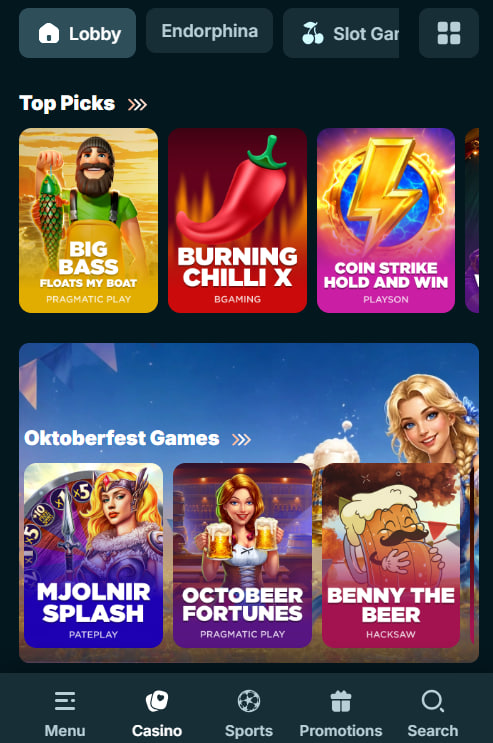
Eurospin Play App Minimum Requirements
| Platform | Minimum OS | Recommended |
|---|---|---|
| Android APK | Android 8.0 (Oreo) | Android 12 or newer |
| iOS PWA | iOS 14.0 | iOS 16 or newer |
| Screen resolution | 720 × 1280 pixels | 1080 × 1920 pixels or higher |
| Free storage | 50 MB Android; 0 iOS | 200 MB Android for cache |
Eurospin Play Feature Availability by Platform
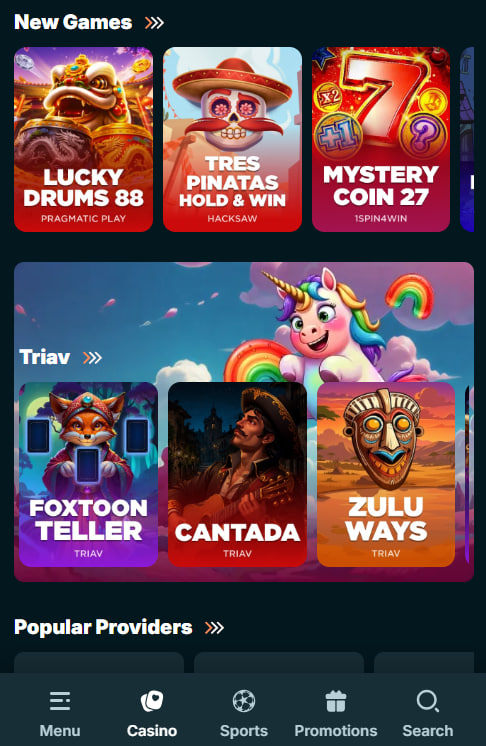
Both platforms deliver the same games and cashier, with a few small differences in native OS integrations such as push notifications and offline cache behaviour. The table below shows which features are available on each route.
Eurospin Play App Feature Comparison
| Feature | Android APK | iOS PWA |
|---|---|---|
| Full games lobby (8,500+ titles) | Yes | Yes |
| Live dealer HD streaming | Yes | Yes |
| Cashier and cryptocurrency | Yes | Yes |
| Push notifications | Yes | No (email alerts instead) |
| Offline asset cache | Yes (up to 200 MB) | Managed by Safari |
| Biometric login | Fingerprint / Face Unlock | Touch ID / Face ID |
Eurospin Play App Features
Both mobile access routes deliver the complete Eurospin Play experience without functionality gaps compared to the desktop site. The list below highlights the main features available inside the app or PWA.
- Full games lobby — over 8,500 slots and live dealer tables with the same filter and search controls as desktop
- Cashier and payments — deposits, withdrawals and payment method management including cryptocurrency options
- Live dealer streaming — HD video streaming from Evolution, Pragmatic Play Live, Ezugi and Playtech Live studios
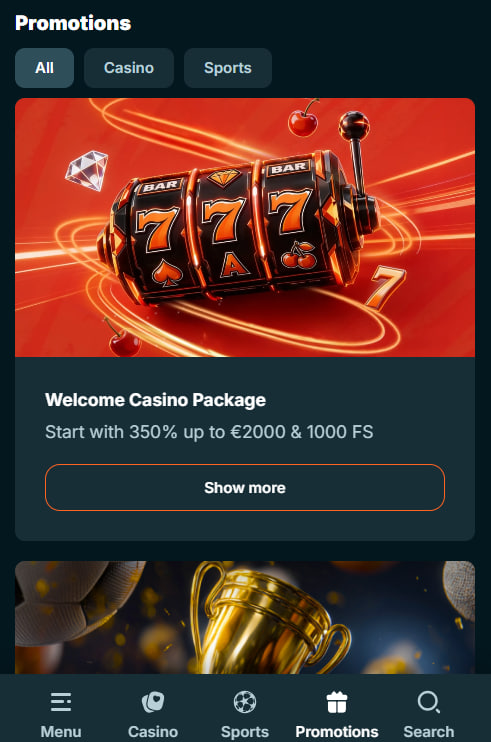
- Promotions and tournaments — welcome bonus activation, Friday reload code entry, tournament leaderboards
- VIP and missions — five-tier VIP dashboard, daily missions tracker with XP progression
- Account management — KYC document upload, responsible gaming controls, session history
Eurospin Play App Data and Storage
The Android APK caches game assets locally after first launch to reduce data usage on repeat sessions. Typical monthly data use for a member playing five to ten hours a week sits between 400 MB and 1.5 GB depending on how much of that time involves live dealer streaming. The iOS PWA does not cache assets to the same extent because Safari manages its own storage independently. Both routes support Wi-Fi and cellular connections with automatic reconnection on brief interruptions.
Eurospin Play Push Notifications
The Android APK supports push notifications for account-relevant events including deposit confirmations, withdrawal approvals, KYC status updates, and promotional notifications for tournament wins and cashback credits. Notifications are opt-in during first launch and can be adjusted at any time from the account settings. The iOS PWA does not support push notifications through the same channel due to Safari platform limitations, but members receive equivalent alerts by email regardless of access route.
Eurospin Play Common App Issues
Most mobile access problems trace to installation permissions, network conditions or outdated operating system versions. The list below covers the recurring issues and the quickest paths to resolution for each.
- APK install blocked — Enable Install unknown apps in Android settings for the browser used to download
- PWA icon missing — Confirm Add to Home Screen was tapped from the Safari share menu, not another browser
- Live stream buffering — Switch to Wi-Fi or check cellular signal strength; live streams need at least 3 Mbps
- App not launching — Force close and reopen; if repeated, reinstall the APK or clear Safari cache for PWA
Eurospin Play App Support
For mobile-specific issues, live chat support is available around the clock from the app or PWA header. Chat operators can walk through APK installation permissions, PWA setup steps, or open a technical ticket where a device-specific issue needs engineering follow-up. To begin using the app, complete registration on the Eurospin Play register page and review welcome terms on the Eurospin Play bonus page before making the first mobile deposit.