
Eurospin Play Registration Steps
Registration follows a five-step sequence that ends with account activation. Each step is short and can be completed on desktop, tablet or mobile browser. The list below summarises the five steps in the order they appear at the cashier.
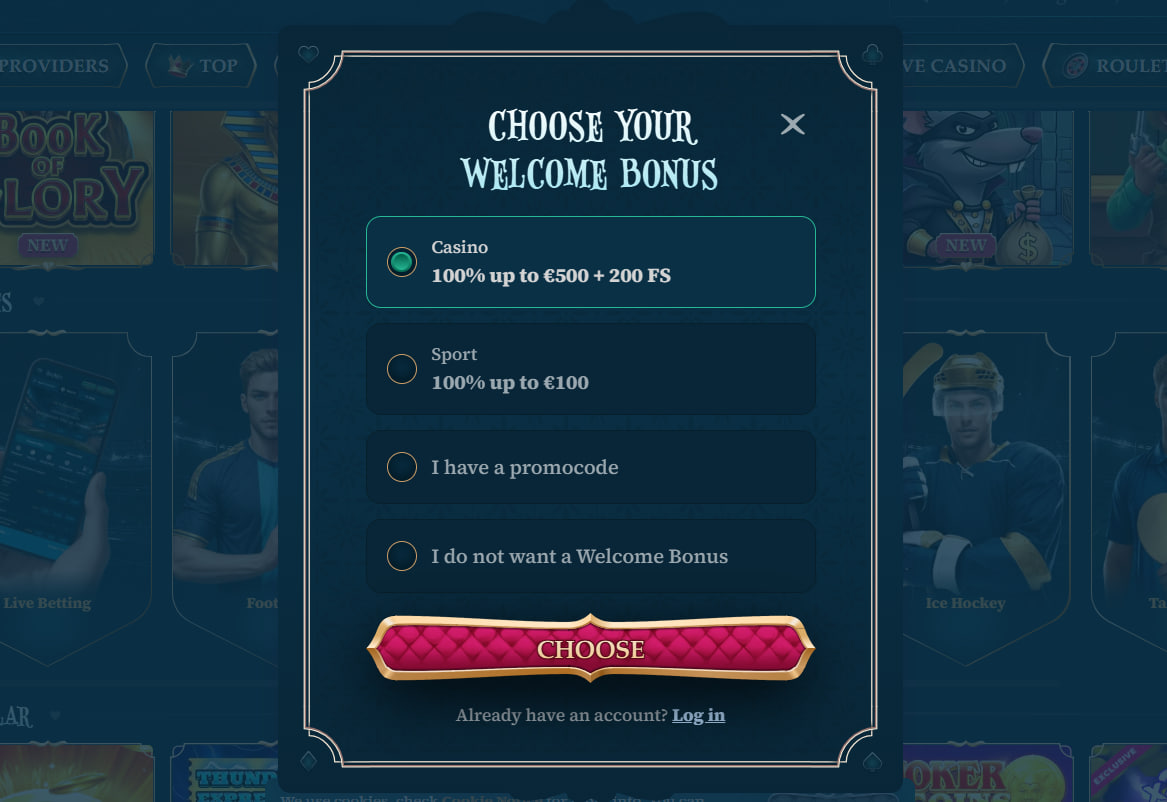
- Step 1 — Click the register button in the top-right corner of any page to open the sign-up form
- Step 2 — Enter email address and a password containing at least eight characters with mixed case and a number
- Step 3 — Fill first name, last name, date of birth, country of residence and full postal address
- Step 4 — Select account currency from EUR, USD, CAD or AUD and tick the 18+ and terms confirmations
- Step 5 — Open the verification email and click the activation link to enable the account and cashier
Eurospin Play Required Information
The information collected at registration mirrors the KYC requirements attached to the Curaçao eGaming licence. Members provide identity data at sign-up so that Know Your Customer verification runs smoothly at the first withdrawal request. All fields are required — partial forms cannot be submitted. The operator stores the data under the site privacy policy and does not share it with third parties beyond the licence-mandated compliance recipients. The list below shows the specific fields the sign-up form requests.
Eurospin Play Sign-Up Form Fields
- Contact — email address, mobile phone number for SMS-based support and cashier alerts
- Identity — first name, last name, date of birth matching future KYC documents
- Residence — country of residence, city, full postal address including postal code
- Account — chosen password, currency selection and terms confirmations including the 18+ checkbox
Eurospin Play Account Verification
Account verification runs in two stages. The first stage completes at registration through the activation email link. The second stage is Know Your Customer verification, triggered either by the first withdrawal request or by reaching an aggregate deposit threshold defined in the site terms. The table below summarises the KYC document types the compliance team accepts.
Eurospin Play KYC Accepted Documents
| Document Type | Examples | Requirement |
|---|---|---|
| Photo identity | Passport, national ID card, driving licence | Valid, both sides for cards |
| Proof of address | Utility bill, bank statement, council tax letter | Dated within last 3 months |
| Payment proof | Card front (mask middle 8), e-wallet screenshot | Matching deposit source |
Eurospin Play Currency Selection at Sign-Up
Currency is chosen once at registration and cannot be changed on an active account. The table below shows the currency options with the associated minimum deposit and typical member base for each.
Eurospin Play Supported Currencies
| Currency | Symbol | Minimum Deposit |
|---|---|---|
| Euro | € | €20 |
| US Dollar | $ | $25 |
| Cryptocurrency | BTC/ETH/USDT | €20 equivalent |
Eurospin Play Login After Registration
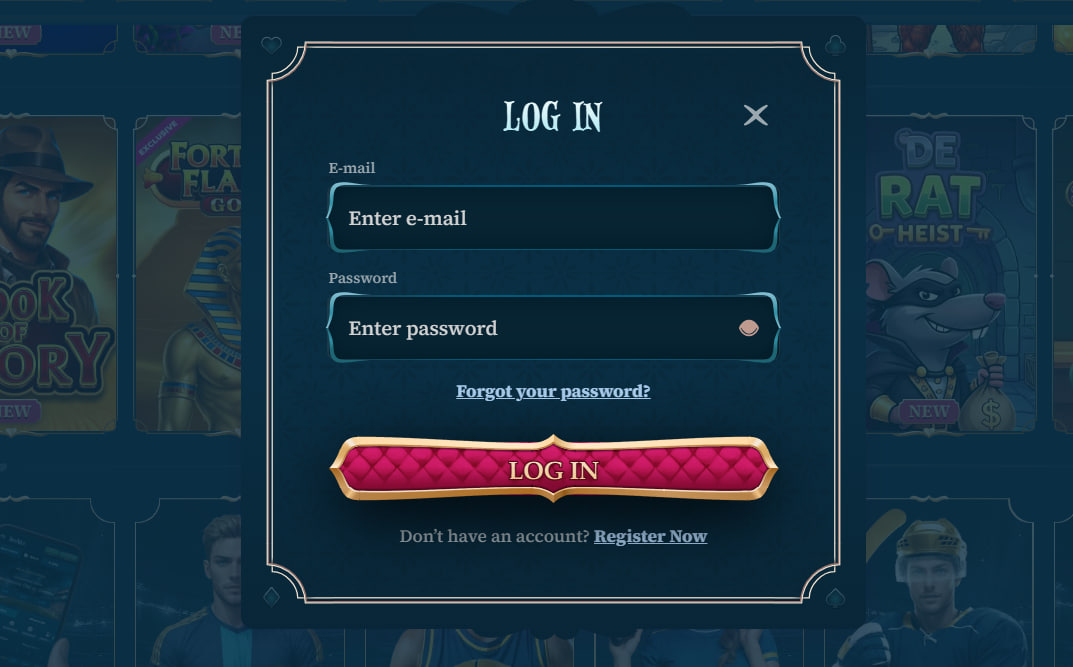
Once the account is active, login uses the email address and password set during sign-up. The login form is reached from the top-right corner of the site header on any page. A remember-me option keeps the session active for seven days on the current device. Password reset uses a link sent to the registered email address and expires after thirty minutes. Two-factor authentication through an authenticator app is optional and can be enabled from the account security area at any time after the first login.
Eurospin Play Common Registration Issues
Most registration problems trace to email delivery, password format or country availability. The list below covers the recurring issues and the quickest paths to resolution for each.
- Verification email missing — Check spam folder first; request a resend from the login page if the message did not arrive within ten minutes
- Password rejected — Confirm the password has at least eight characters, mixed case and one number; special characters are optional
- Country not listed — The residence country list reflects the licence terms and geographic restrictions in effect at the time of sign-up
- Duplicate account error — Only one account per person per household is permitted under site terms; use the password reset link if the address is already registered
Eurospin Play Age and Eligibility
Eurospin Play accepts members aged 18 or older. Age is confirmed at sign-up through the 18+ checkbox and verified during KYC using the date of birth on the submitted photo identity document. Members from countries excluded under the licence terms cannot complete registration; the site country dropdown enforces the eligibility list at the form level, so no ineligible account can be created in the first place. Full country list and further eligibility notes are published in the site terms.
Eurospin Play Registration Support
If the registration form does not load or the activation email does not arrive after a resend, live chat support is available around the clock from the site header. Chat operators can trigger a manual email resend, confirm whether the address hit the compliance duplicate check, or open a technical ticket for the site engineers. Standard response time on live chat is under three minutes. Once the account is live, members can proceed to the Eurospin Play bonus page to review welcome terms or head to the Eurospin Play app page for mobile setup notes.